
Punjab Voter List 2026 PDF - Download the latest electoral roll released by CEO Punjab. Check your name in the Punjab final, draft and supplementary voter lists 2026 online, or download the complete district-wise, constituency-wise and panchayat/ward-wise electoral roll PDF. You can also download your Punjab voter ID card from the official portal.
District / Assembly Constituency Wise Voter List of Punjab
Select Name of your District or Assembly Constituency to download Latest Final, Draft or SIR Voter List
Total Number of Assembly Constituencies in Punjab: 117
CEO Punjab voters list 2026 is now available to download in PDF format at the official voters portal (voters.eci.gov.in). Citizens can search their name online or download the e-roll PDF part wise for all assembly constituencies and polling stations. Currently, the Draft Roll 2025, Final Roll 2025, General/By-Election Roll 2024 and Supplement 2025 are available for most states on the CEO and ECI websites.

Punjab Voter List & Electoral Search App
Fastest & Easiest way to search Punjab electoral roll & download voter list PDF.
▼ Download App *Not the official appHow to Download Punjab Voter List 2026 PDF (Final Electoral Roll)
It is very easy to download the final electoral roll PDF of Punjab or the district or polling station wise voters list. All you have to do is follow the below step by step Procedure.
STEP 1: Visit the ECI Website
In order to download Punjab voters list 2026 PDF, the first step is to visit the Download E-Roll link of the official website of Election Commission of India at this link: https://voters.eci.gov.in/download-eroll
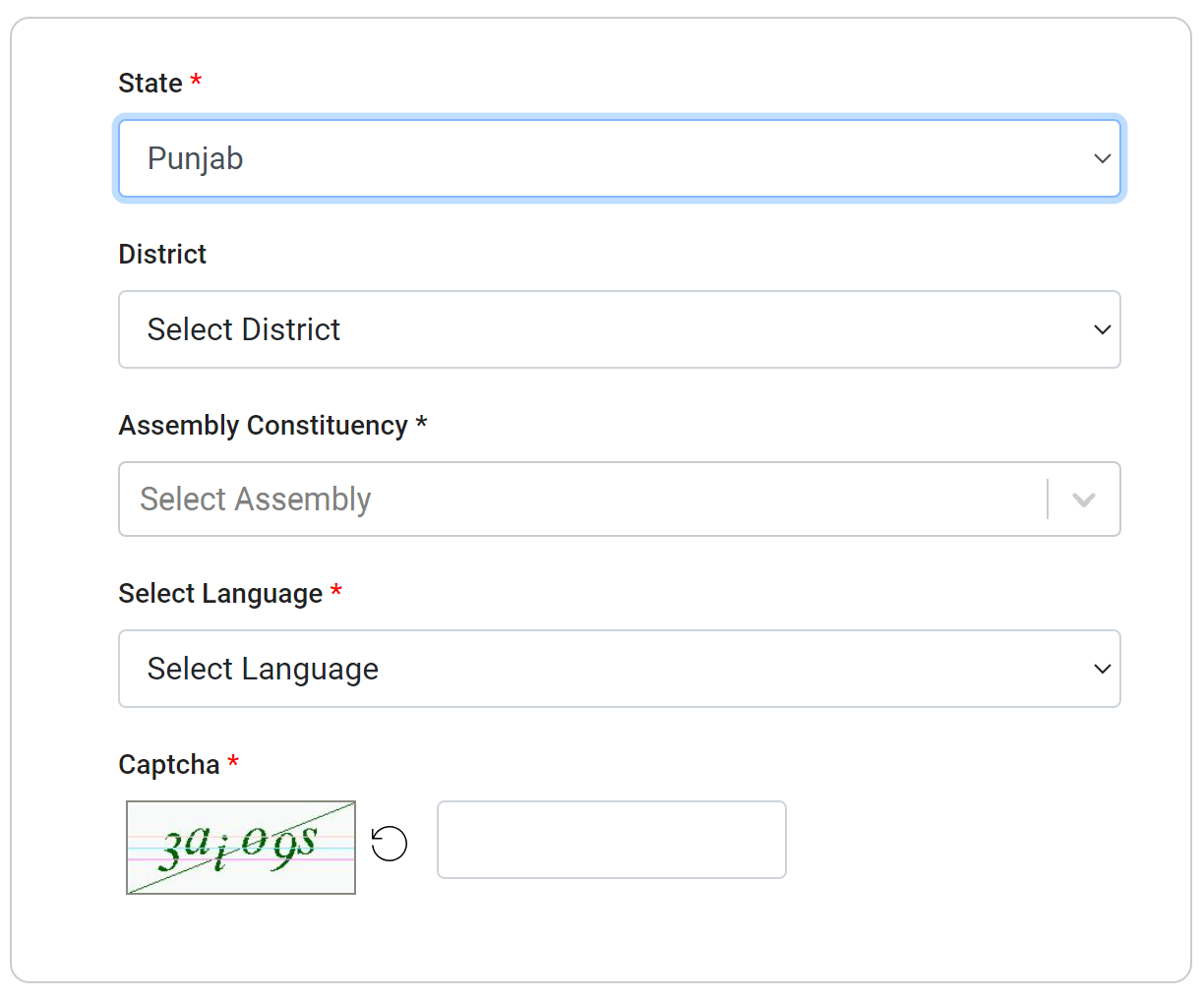
STEP 2: Select Punjab in State Name Field
You will reach on a page similar to below, now select Punjab from the drop-down as shown below.
STEP 3: Select Your District
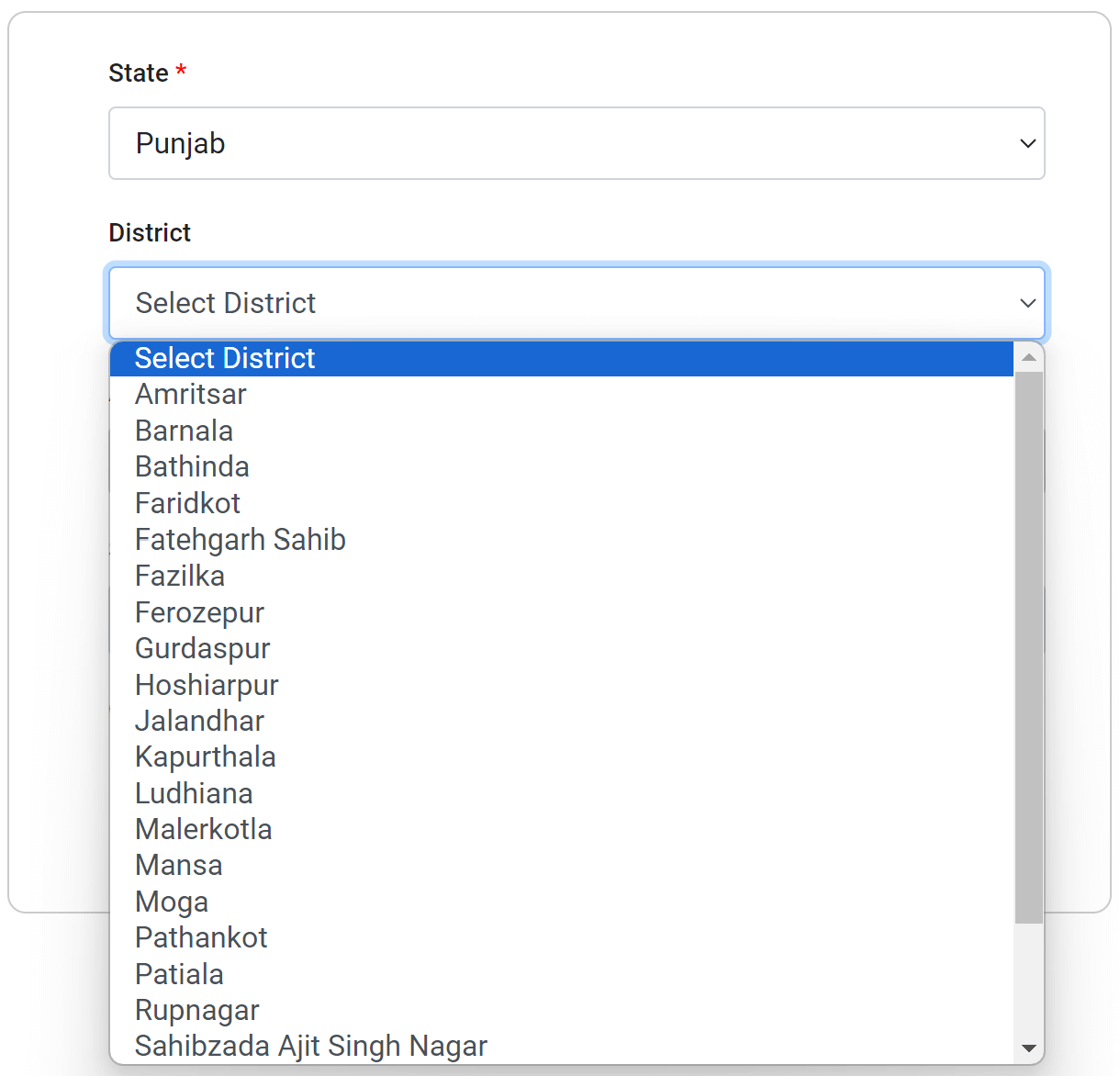
After you select your state name, the Punjab districts list will appear in the district drop-down as shown in the below image, now select your district
STEP 4: Select Your Assembly Constituency
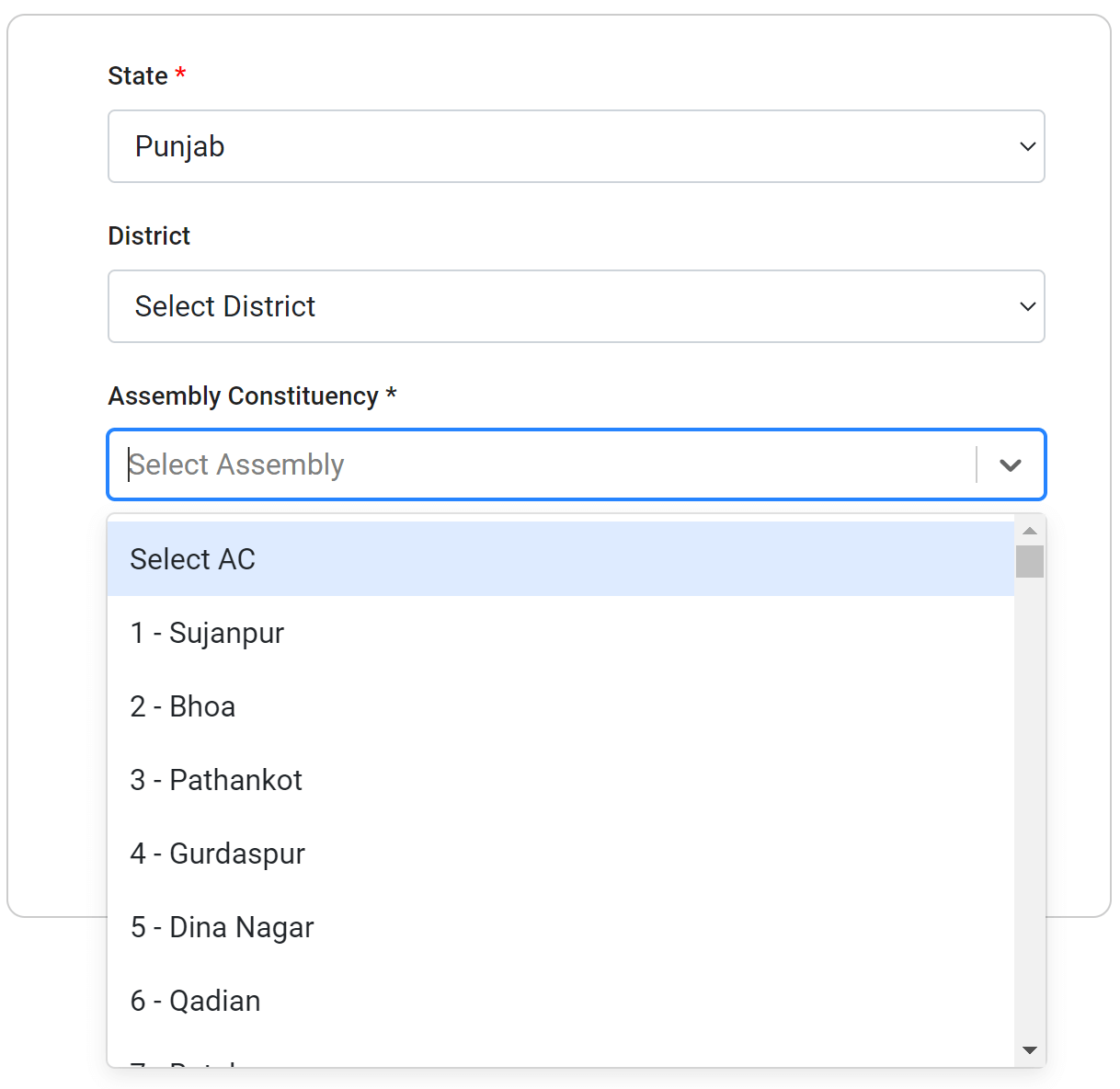
A district may have several assembly constituencies, so in the next step you will have to select your assembly constituency, as per the below image.
STEP 5: Select Language
After selecting assembly constituency, select the language from available choices in which you want to download the electoral roll PDF, i.e Telugu, Hindi, English, Tamil etc.

STEP 6: Select Roll Type
After language selection, you can select the roll type from the list of available electoral roll types, each state may have different electoral roll type.

You will be shown the Draft Electoral Roll 2026, Final Electoral Roll 2026, General Election Roll 2026 and Supplement - 3 Roll 2026. Now you can find your polling station or area by looking at the list or typing in the search box.
Select the SIR Final Roll 2026 or Final Roll 2026, whichever is available for your state to download the latest eroll.
STEP 7: Find Your Polling Station / Area
After selecting all the details above, search and select your polling station from the list displayed below in the page. You can select multiple part numbers, use the arrows below the parts list to view list of next 10 parts and select the ones for which you want to download the electoral roll PDF.

STEP 8: Download Punjab Voters List PDF (ERoll)
After selecting the part numbers, enter the captcha text and click on Download Selected PDF's button.

STEP 9: Download Progress Status
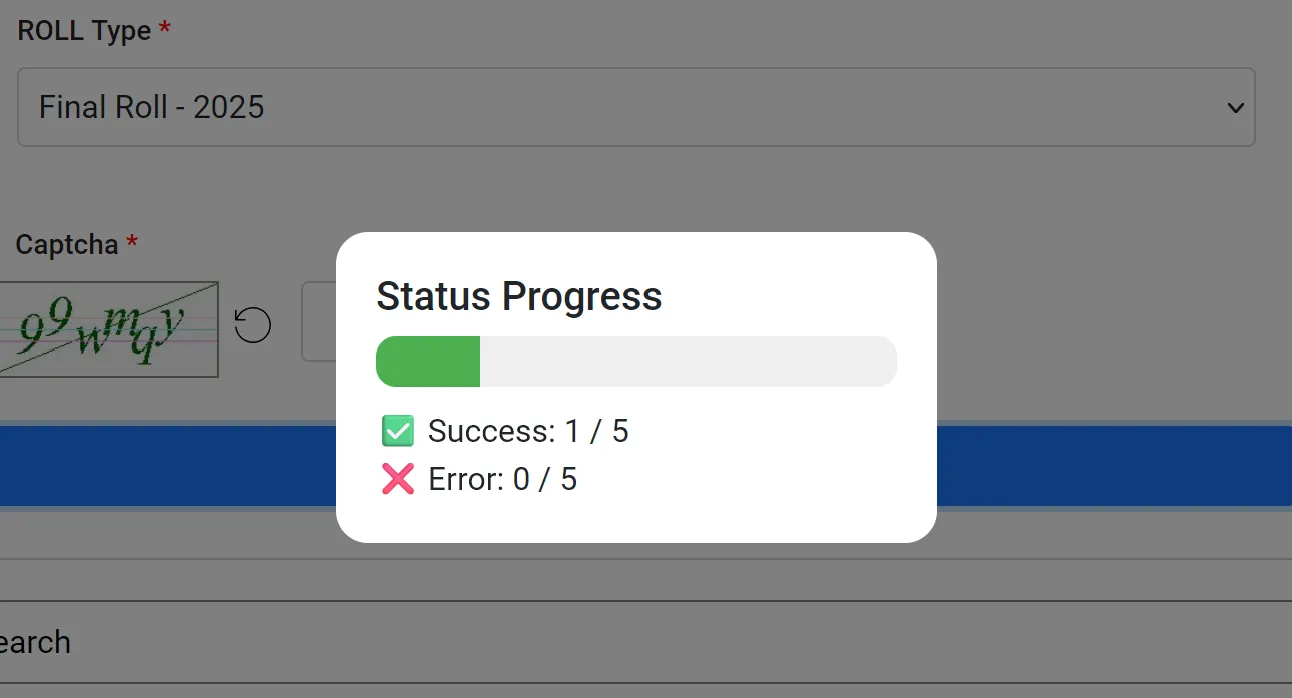
All your files will be downloaded one by one and you will see the status as below.
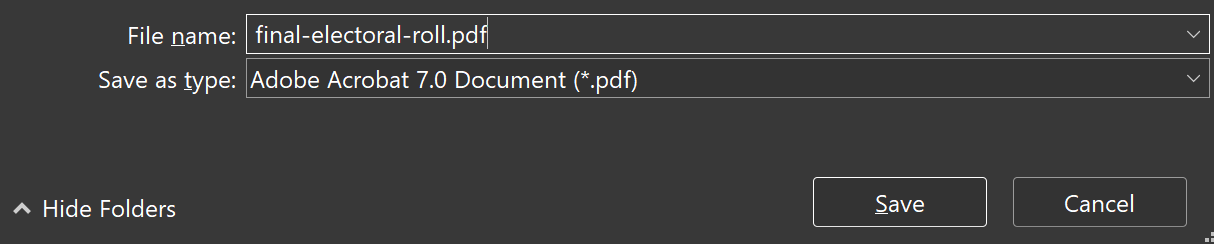
STEP 10: Save the PDF File
In the next step, select the preferred location in your computer / phone and save the file as PDF. You can rename the file as per your choice.
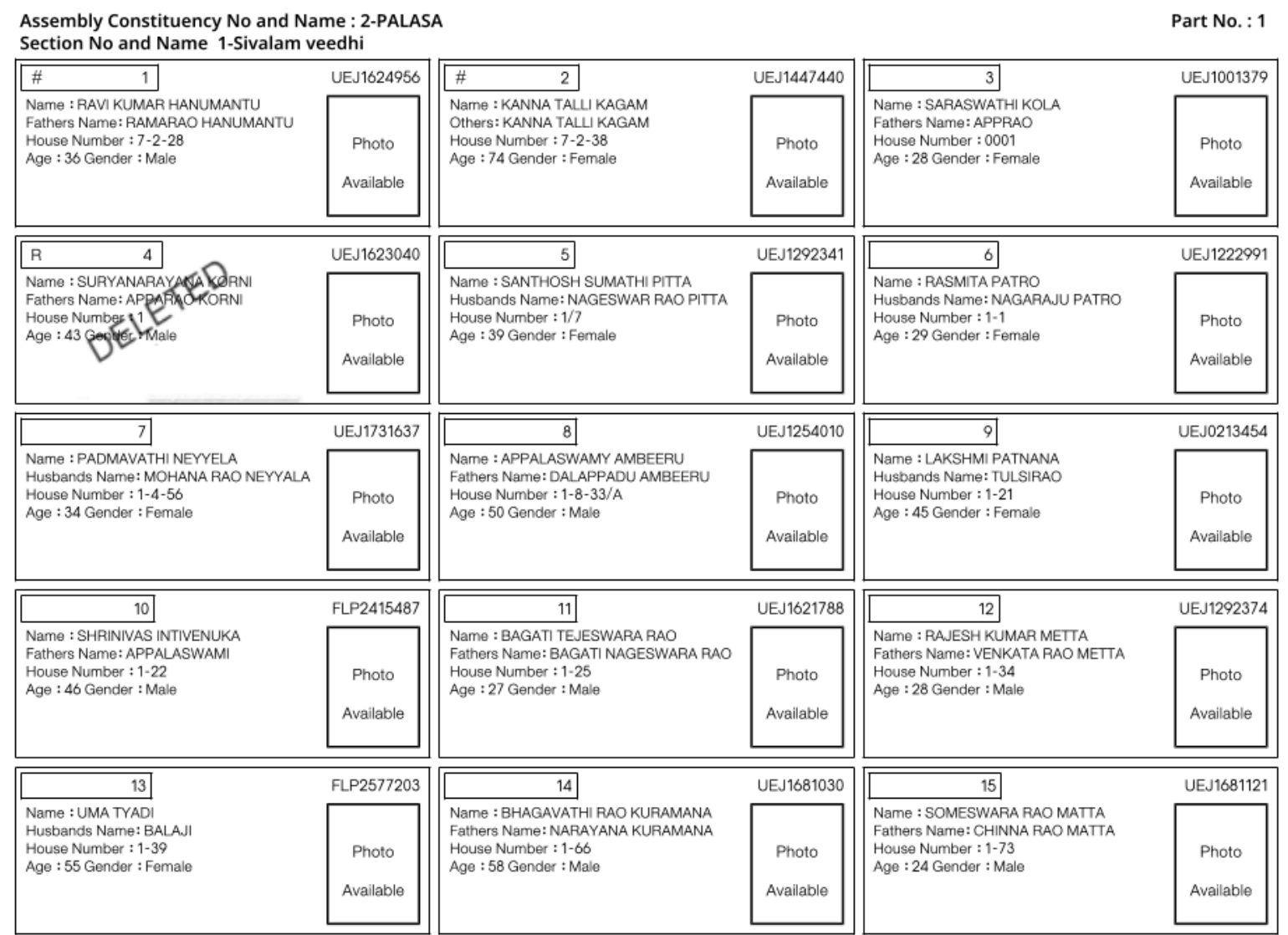
Now your voter list PDF for the selected district and assembly constituency in Punjab has been downloaded which will look similar to below.
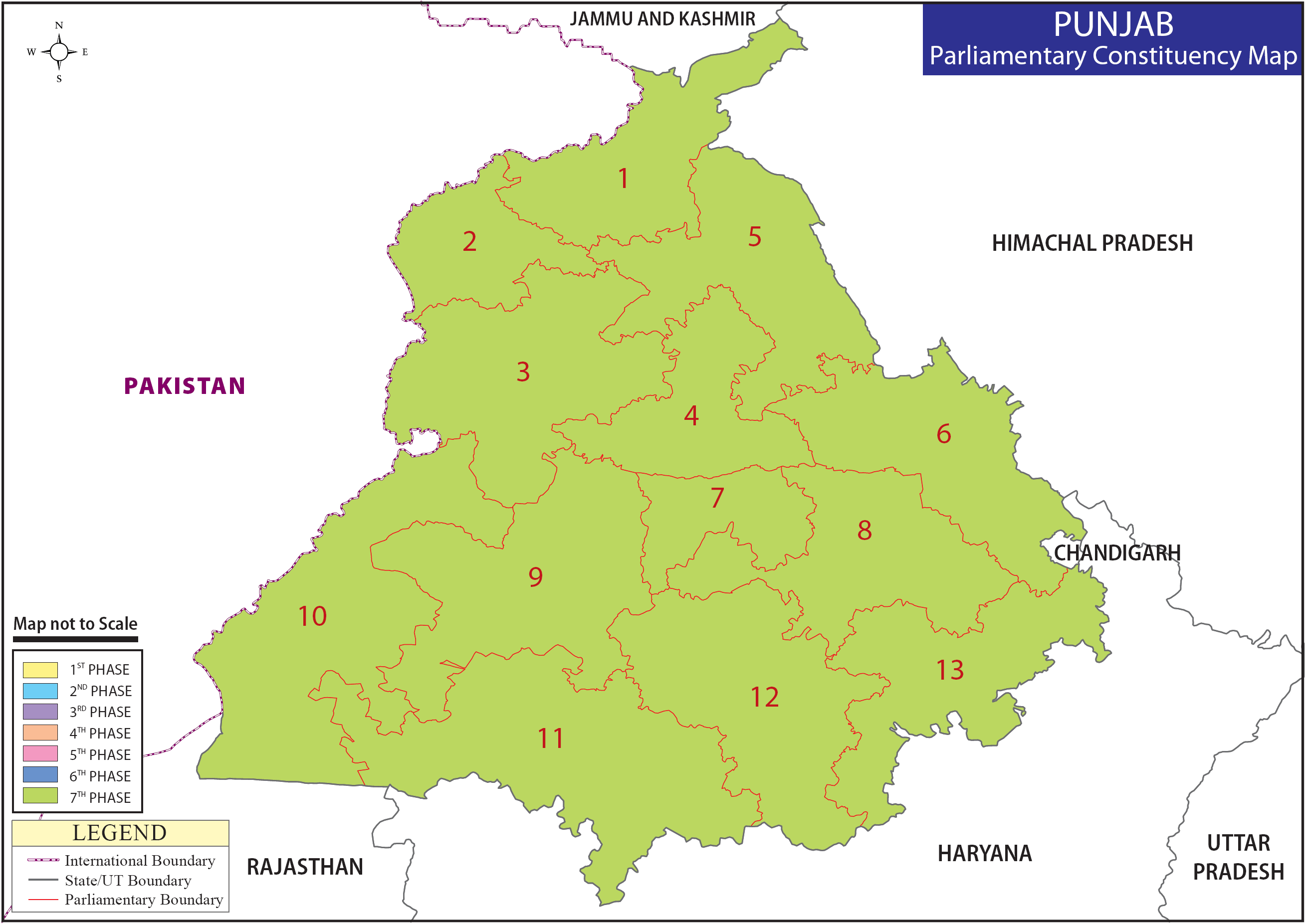
Punjab Parliamentary Constituency Map
Check Name in Punjab Voters List / Electoral Roll
There are several methods to check your name in the voters list or Punjab electoral roll as mentioned below.
1: Check name in PDF
After you have downloaded the PDF file, you can find your name in Punjab voters list. To check your name in Punjab electoral roll PDF, you open the downloaded PDF file in your computer or mobile device and look for your name and father's name.
2: Check Name by Phone Number
If your mobile number is registered on the voters portal or along with the voter ID card in Form 8, then, you can check your name in Electoral Roll by visiting the electoral search section of the ECI website at this link: https://electoralsearch.eci.gov.in
After Visiting this link, you have to select "मोबाइल द्वारा खोजें / Search by Mobile" and then select your state / language and enter your phone number and captcha text.
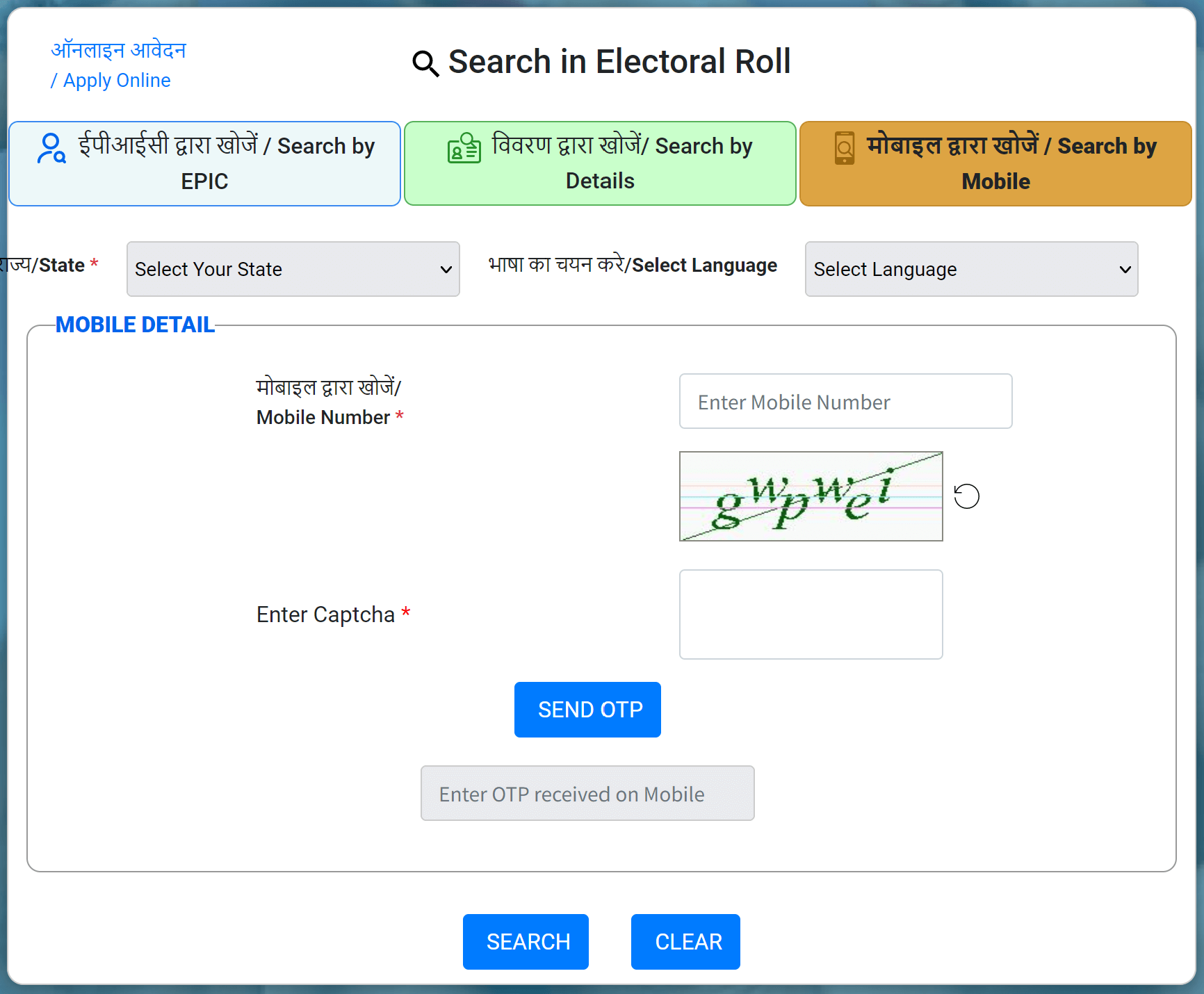
Once you enter the phone number, you will see a "Send OTP" button, click this button and an OTP will be sent to your phone number, enter the OTP and click "Search".
If your phone number is not available in Form 8, then you will not be able to use this facility, instead you can check your name in Punjab voters list by using details or EPIC number.
3: Check Name by EPIC Number (Voter ID Number)
EPIC Number or Voter ID number is a 10 digit alphanumerical code which is printed on your voter ID card. You can use this number to check your name in the voters list. Simply visit the same link and select "ईपीआईसी द्वारा खोजें / Search by EPIC" tab and enter your EPIC (Electoral Photo Identity Card) number, select state (not mandatory), enter captcha text and then click the "Search" button.
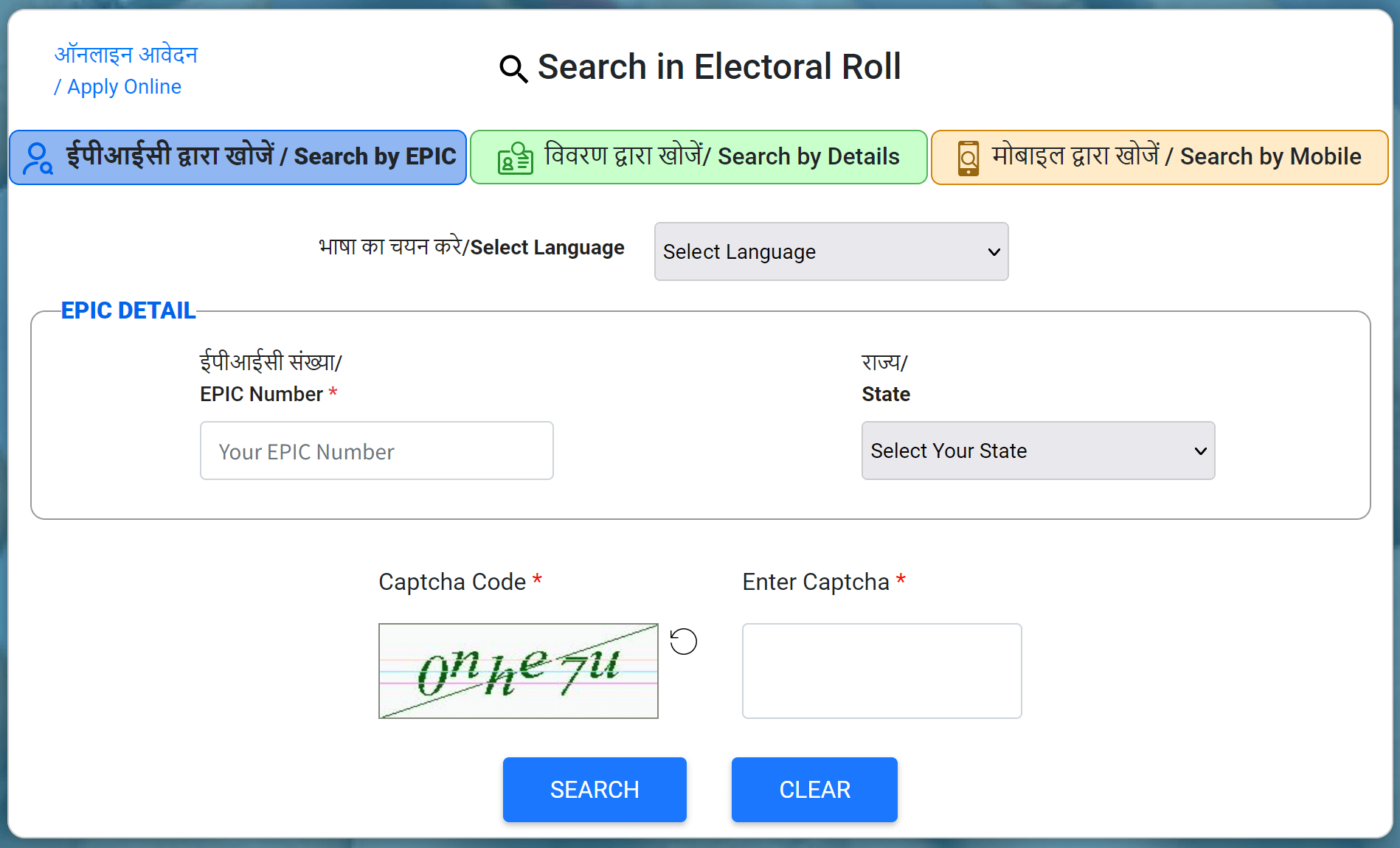
All the details of the voter associated with entered EPIC number will be displayed. Or if the EPIC number is incorrect, a message will be displayed.
4. Check Name by Entering Details
There is another method to check your name in Punjab voter list 2026 by entering your details such as name, date of birth, gender, father's name, state, district etc. For this, you have to select "विवरण द्वारा खोजें / Search by Details" option on the same page and enter required details and click the "Search" button.
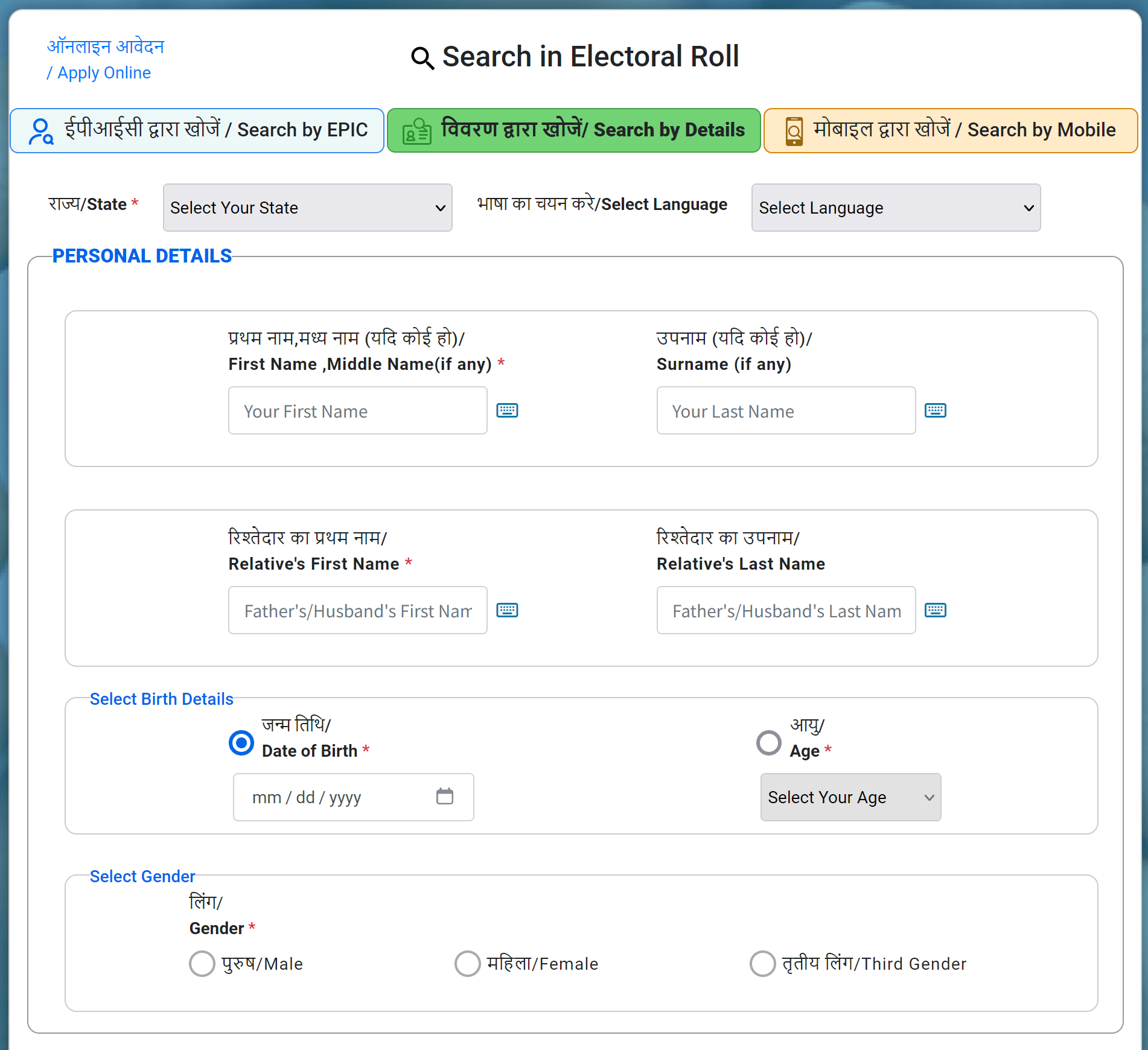
If the matching details exists in the Voters List, then your voter ID details will be shown on the page.
How to Download the Punjab Voter ID Card Online?
You can download PDF of your Punjab Voter ID card with Photo online from the official website of ECI using the very simple procedure. You can follow the below step by step process to download Voter ID card or e-EPIC (Electoral Photo Identity Card).
Visit the Official ECI Website
Go to the official website of Election Commission of India visiting the following link: https://eci.gov.in
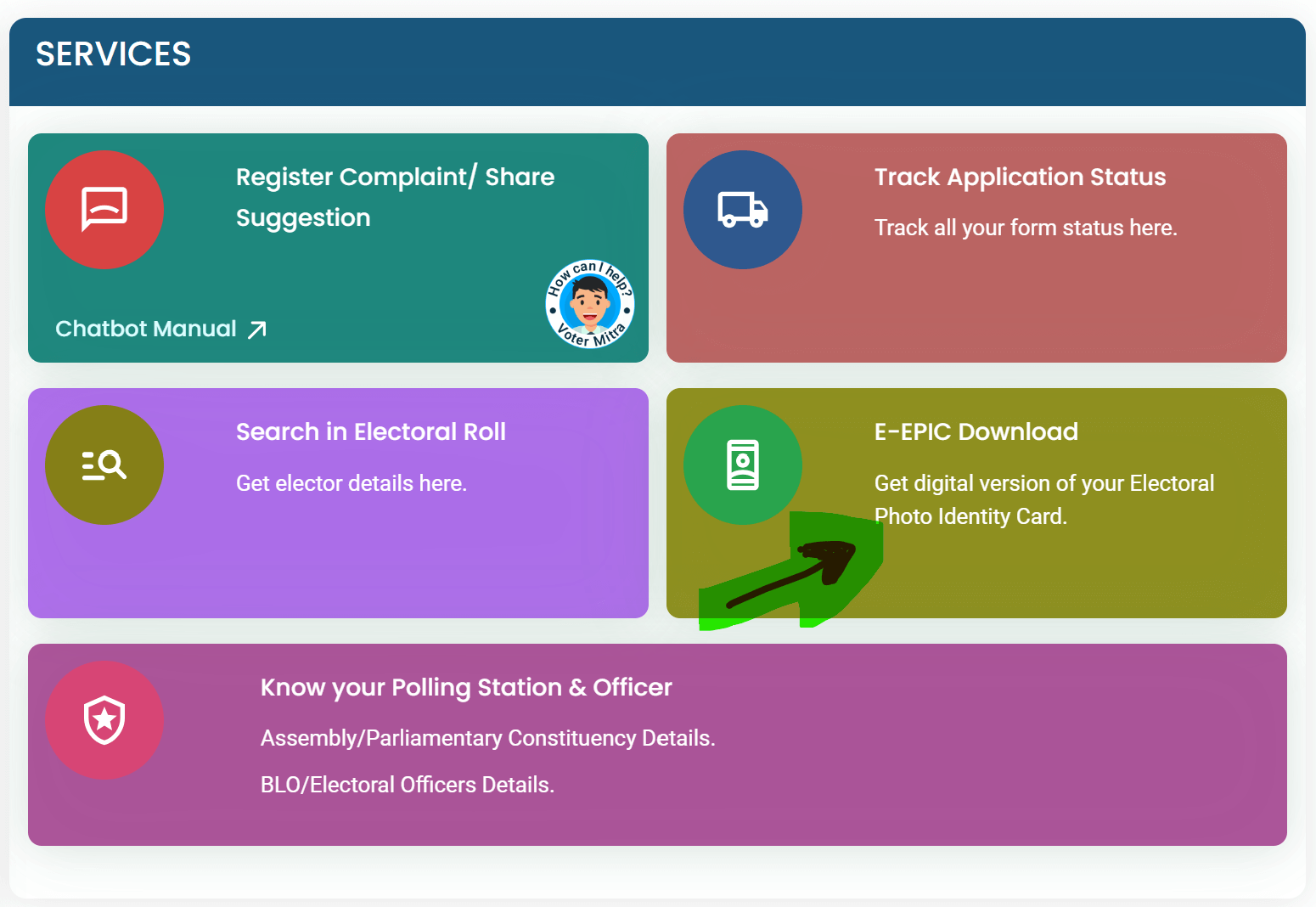
Click e-EPIC Download Link
Choose the e-EPIC Download option from the available options as shown in below image
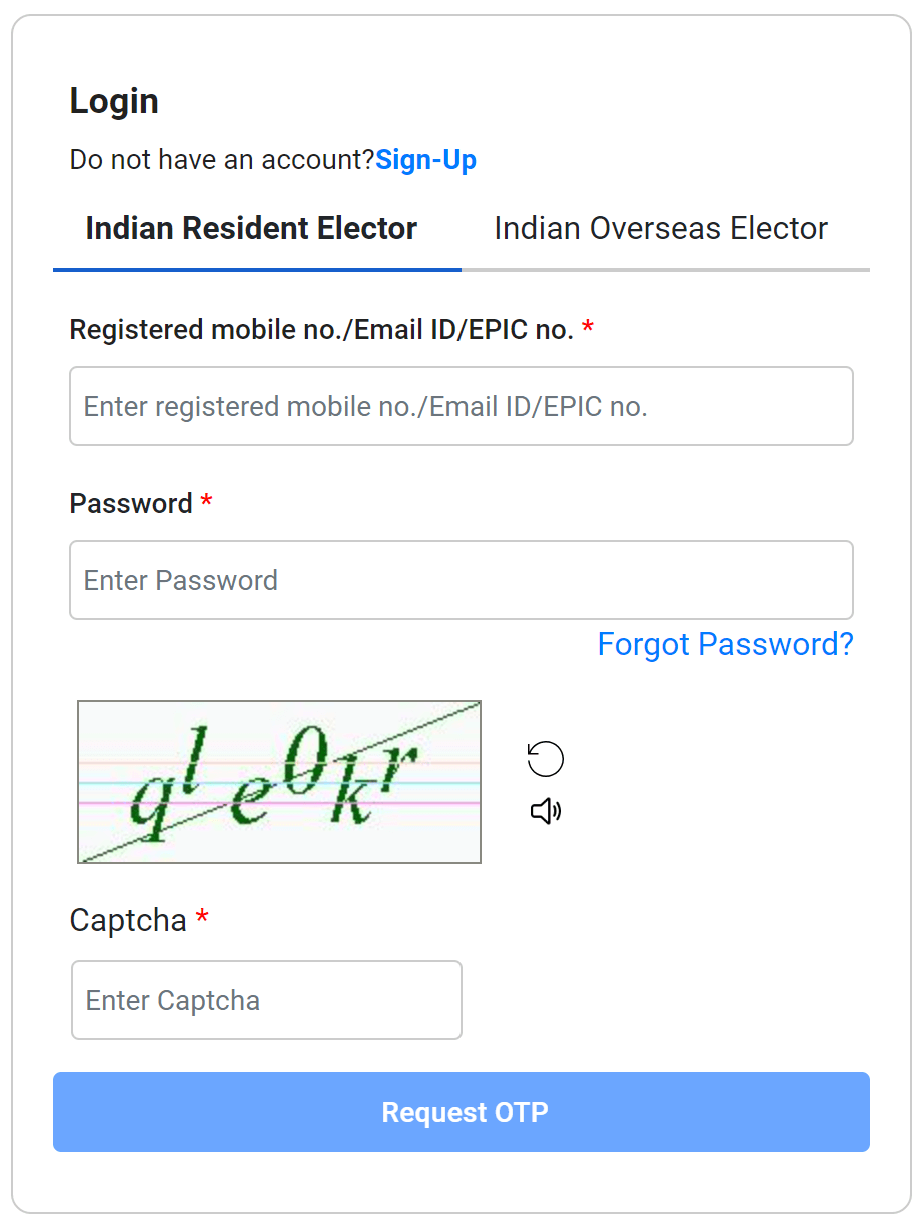
Login
On the next page, if you're an existing user, log in using your username and password. Complete the CAPTCHA verification and click on 'Log in'.
Sign Up
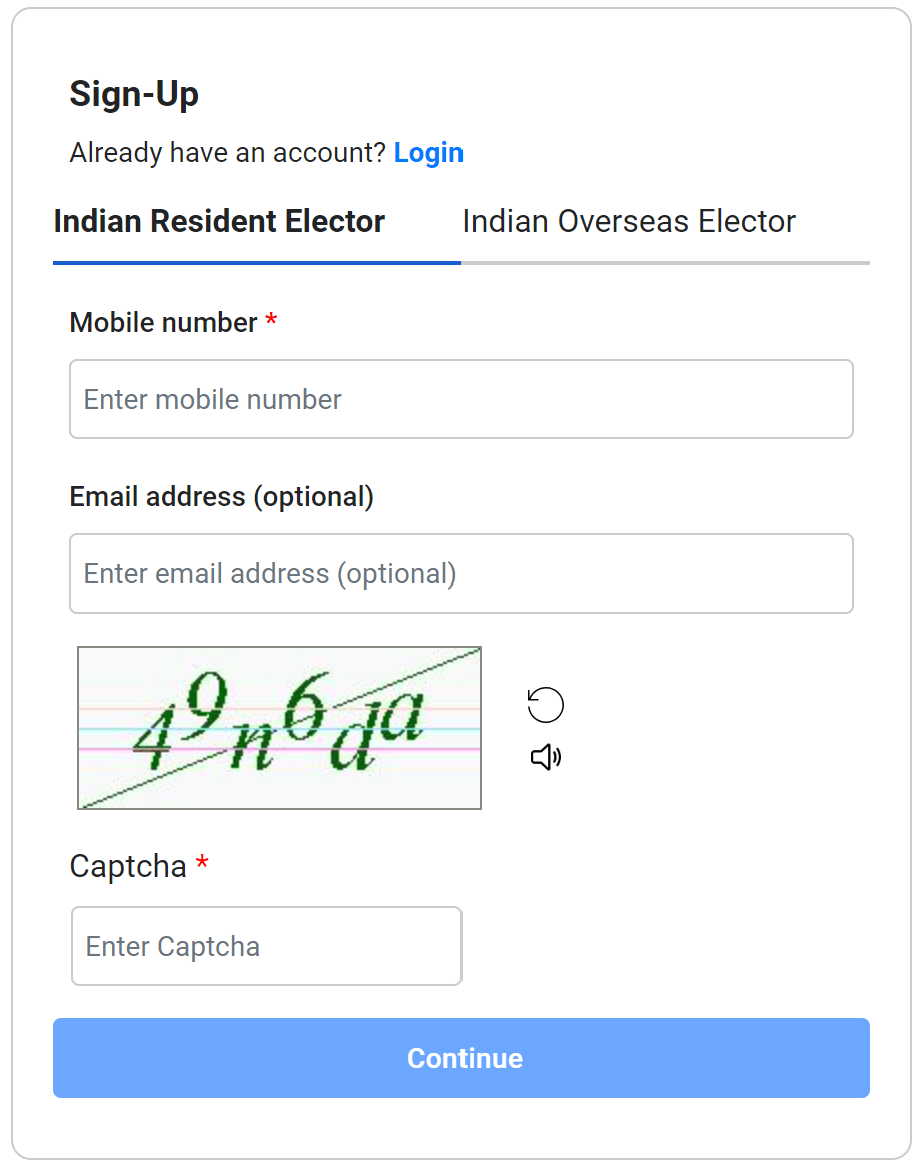
If you do not have an existing account at the ECI portal, the you should select 'Sign Up'. Provide your mobile number and enter the captcha code to create your account.
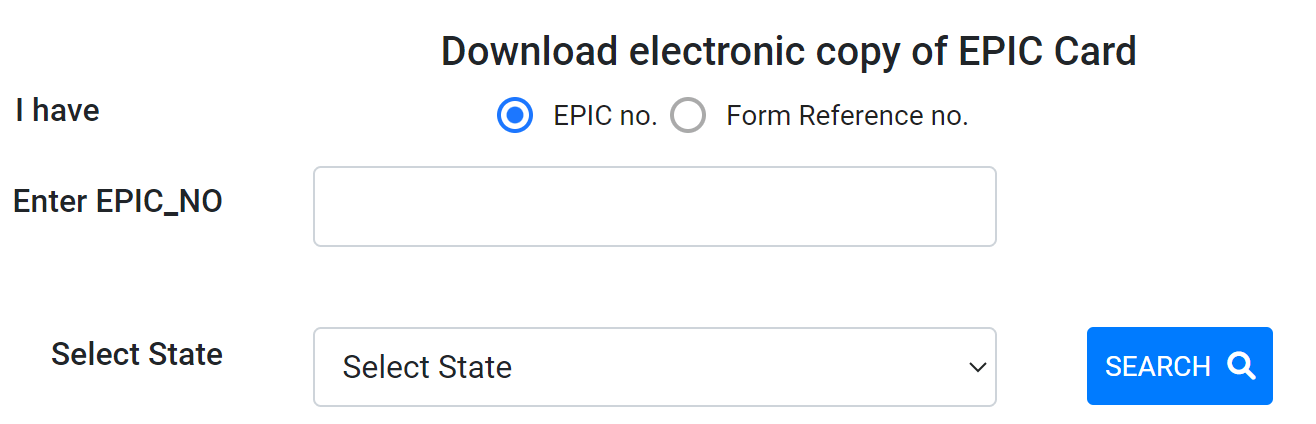
Enter EPIC Number
Type your 10-digit EPIC (Voter ID Card) number, select your state and click the 'SEARCH' button.
Your Voter ID Details
Your Punjab voter ID details will appear on the screen. Review the information for accuracy and validate your mobile number using an OTP.
Download Voter ID Card PDF
Now, click on the download icon / button to download your Punjab voter ID Card PDF to your computer or mobile.