

Download Adoor final voter list 2026 PDF by selecting up to 10 parts / polling stations from the below list, then click on "Proceed to Download", select your roll year, language, roll type, enter captcha code and click on "Start Download" button. The official electoral roll for all selected parts will be downloaded one by one on your device.
Adoor is an assembly constituency in Pathanamthitta district in Kerala.
Adoor 2026 Election Winner
Winner Name: Advocate C V Santhakumar, Party: INC, Total Votes: 66,153, Margin: 10,332
Available Electoral Roll
2026: Supplement-4 2026, Supplement-3 2026, SIR FinalRoll - Rev2 - 2026, SIR FinalRoll - 2026, SIR DraftRoll - 2026
2025: Supplement-4 2025, Bye Election Draft Roll 2025, Draft Roll - 2025, Final Roll - 2025, Bye Election Final Roll 2025
2024: General Election Roll 2024
Download Adoor Electoral Roll 2026 PDF from voters.eci.gov.in
Follow the below step by step process to download the electoral roll PDF of Adoor or polling station wise voters list from the official ECI Portal.
STEP 1: Visit the Official Website of Election Commission of India
Visit the download E-Roll page of ECI voters portal at https://voters.eci.gov.in/download-eroll
STEP 2: Select Kerala in the State field
In the next page, you will see a form similar to below, select your state name and year of revision from the list

STEP 3: Select District, Roll Type, Assembly and Language
After you select Kerala, the districts list, available roll types list, assembly constituency and language selection options will be displayed as shown in the below image, select your options.

STEP 4: Find Your Polling Station / Area
After selecting all the details above, search and select your polling station from the list displayed below in the page. You can select multiple part numbers, use the arrows below the parts list to view list of next 10 parts and select the ones for which you want to download the electoral roll PDF.

Now you can find your polling station or area by looking at the list or typing in the search box.
STEP 5: Download Adoor Voters List PDF (E-Roll)
After selecting the part numbers, enter the captcha text and click on Download Selected PDF's button.

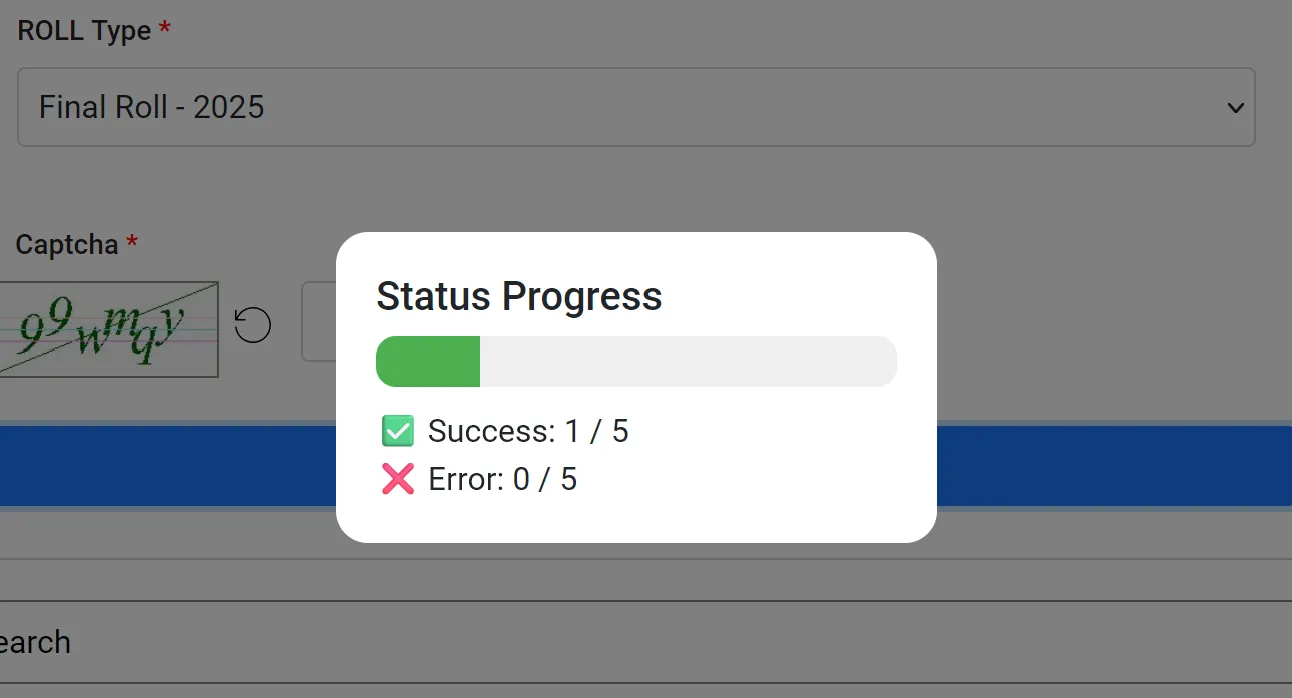
STEP 6: Download Progress Status
All your files will be downloaded one by one and you will see the status as below.
STEP 7: Save the PDF File
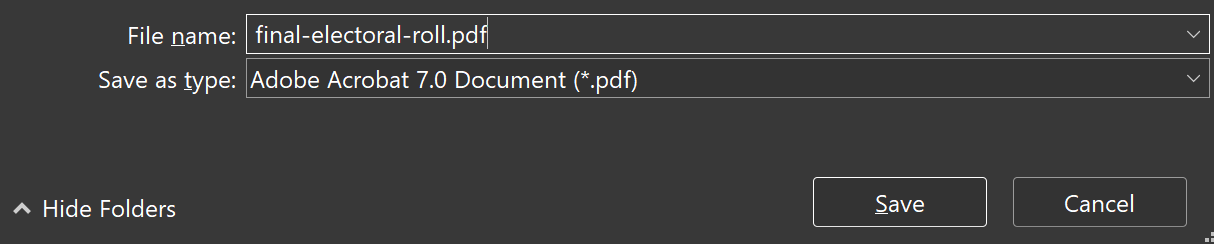
In the next step, select the preferred location in your computer / phone and save the file as PDF. You can rename the file as Adoor voter list or as per your choice.
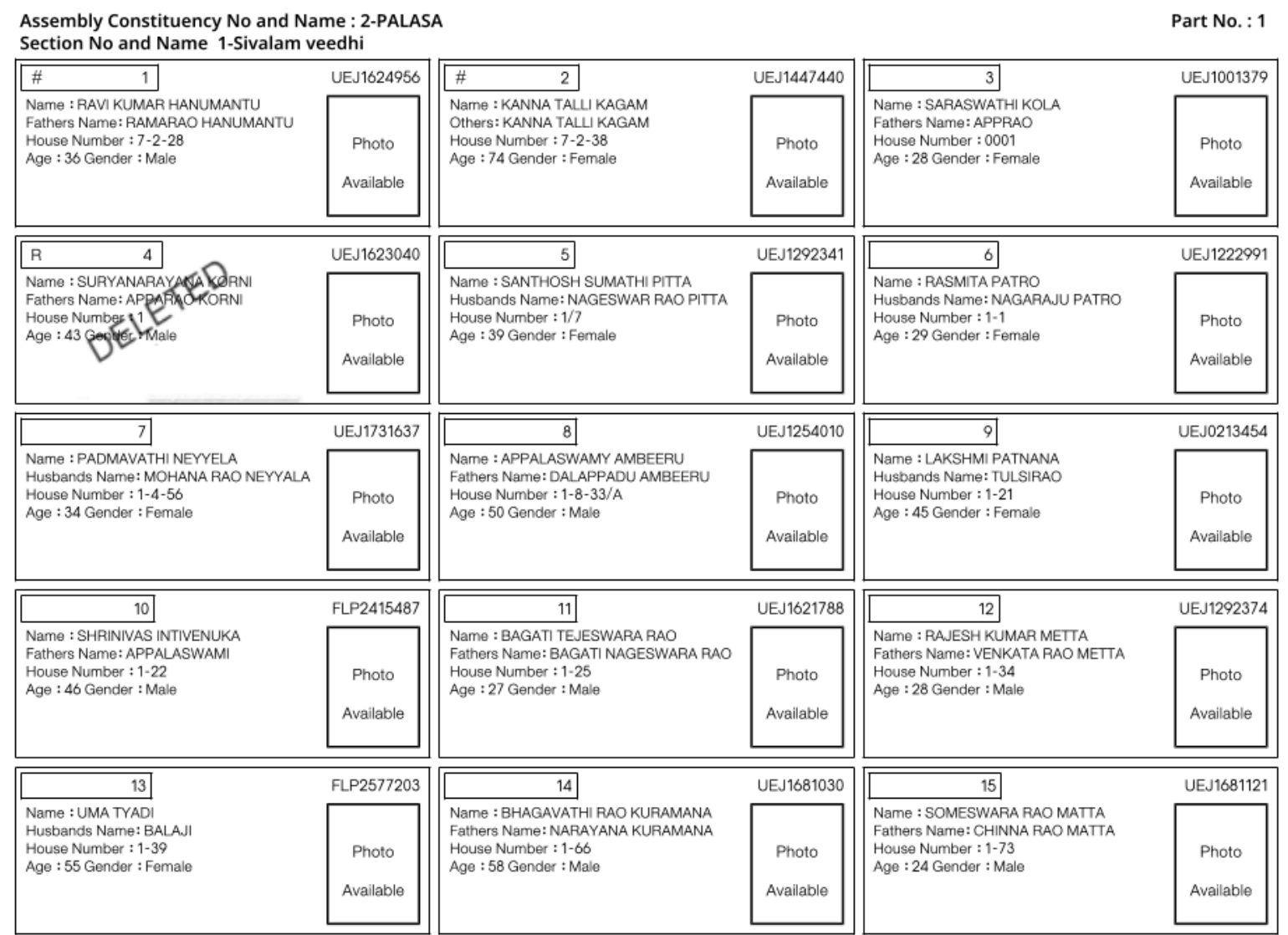
Now the download voter list PDF will look similar to below image.
Voters List of All Districts / Assembly Constituencies in Kerala
Check and download voter list of all districts / assembly constituencies in Kerala.
 Vattiyoorkavu
- Vengara
- Vypen
- Wadakkanchery
- Wandoor
- Thodupuzha
- Thrikkakara
- Thripunithura
 Thrissur
- Thrithala
- Tirur
- Tirurangadi
- Trikaripur
- Udma
- Udumbanchola
- Vadakara
- Vaikom
- Vallikkunnu
- Vamanapuram
- Varkala
- Punalur
- Puthukkad
- Puthuppally
- Quilandy
- Ranni
- Shornur
- Sulthanbathery
- Taliparamba
- Tanur
- Tarur
- Thalassery
- Thavanur
- Thiruvalla
- Thiruvambady
- Thiruvananthapuram
- Pattambi
- Payyannur
- Peerumade
- Perambra
- Peravoor
- Perinthalmanna
- Perumbavoor
- Piravom
- Ponnani
- Poonjar
- Muvattupuzha
- Nadapuram
- Nattika
- Nedumangad
- Nemom
- Nenmara
- Neyyattinkara
- Nilambur
- Ollur
- Ottapalam
- Pala
 Palakkad
- Parassala
- Paravur
- Pathanapuram
- Kunnamangalam
- Kunnamkulam
- Kunnathunad
- Kunnathur
- Kuthuparamba
- Kuttanad
- Kuttiadi
- Malampuzha
 Malappuram
- Manalur
- Mananthavady
- Manjeri
- Manjeshwar
- Mankada
- Mannarkad
- Mattannur
- Mavelikara
- Kozhikode North
- Kozhikode South
- Kundara
- Kottarakkara
 Kottayam
- Kovalam
- Karunagappally
- Kasaragod
- Kattakkada
- Kayamkulam
- Kazhakkoottam
- Kochi
- Kodungallur
- Koduvally
 Kollam
- Kondotty
- Kongad
- Konni
- Kothamangalam
- Kottakkal
- Guruvayoor
- Haripad
 Idukki
- Irikkur
- Irinjalakkuda
- Kaduthuruthy
- Kaipamangalam
- Kalamassery
- Kalliasseri
- Kalpetta
- Kanhangad
- Kanjirappally
 Kannur
- Dharmadam
- Elathur
- Eranad
- Eranakulam
- Eravipuram
- Ettumanoor
- Changanassery
- Chathannur
- Chavara
- Chelakkara
- Chengannur
- Cherthala
- Chirayinkeezhu
- Chittur
- Devikulam
 Alappuzha
- Alathur
- Aluva
- Ambalapuzha
- Angamaly
- Aranmula
- Aroor
- Aruvikkara
- Attingal
- Azhikode
- Balusseri
- Beypore
- Chadayamangalam
- Chalakkudy