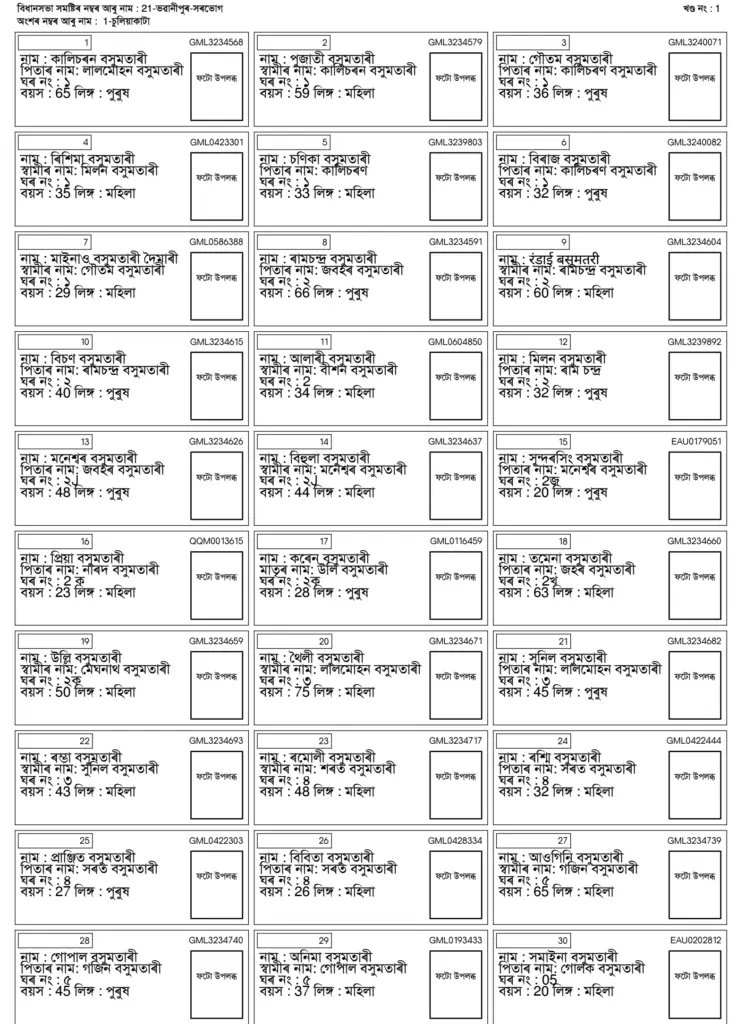
Election Commission of India (ECI) has published the Assam Draft SSR Voter List 2027 on its official website. Voters across the state can now check whether their names are included in the updated electoral roll. By visiting the official voter services portal, citizens can search for their names using their EPIC (Voter ID) number or personal details.
How to Download SSR Draft Voter List 2027 Assam PDF from Official Portal
Citizens can download the assembly constituency and booth-wise draft electoral roll directly from the official ECI voter service portal. Follow these simple steps:
STEP 1: Go to the official Election Commission of India Voters Service Portal at voters.eci.gov.in
STEP 2: On the homepage, locate and click on the "Download Electoral Roll" link.

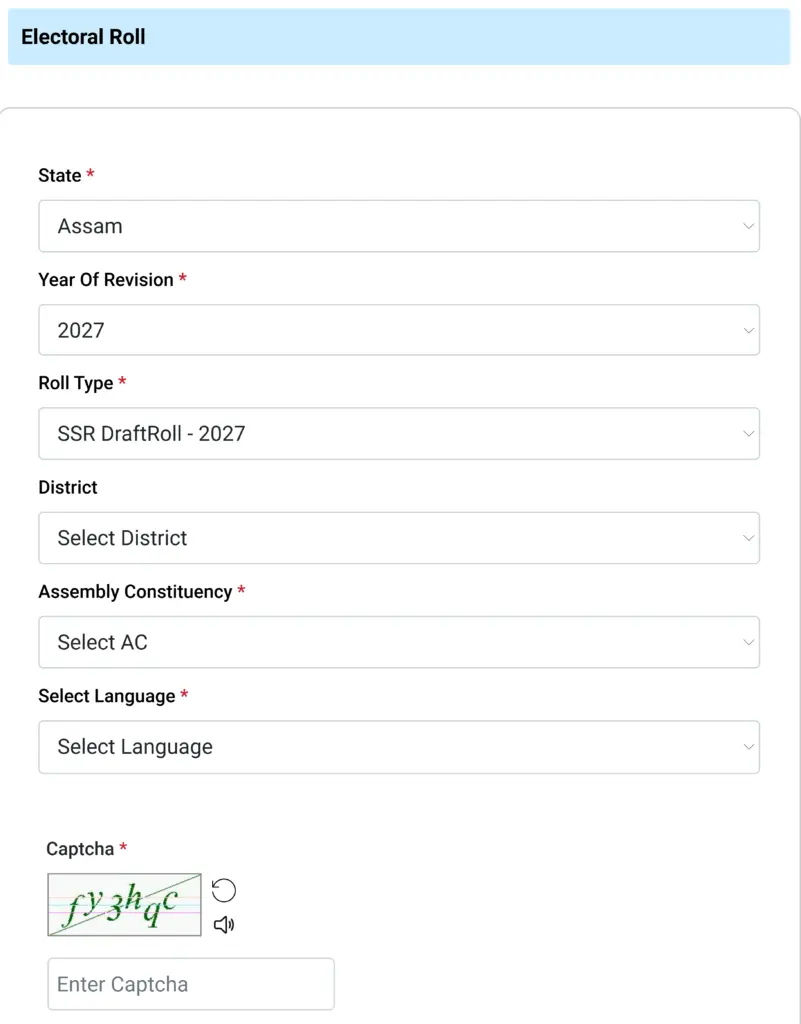
STEP 3: On the next page, simply select Assam, choose 2027 as the revision year, and select SSR DraftRoll 2027. After that, pick your District, Assembly Constituency, and preferred language (Hindi, Urdu, or English) to proceed.
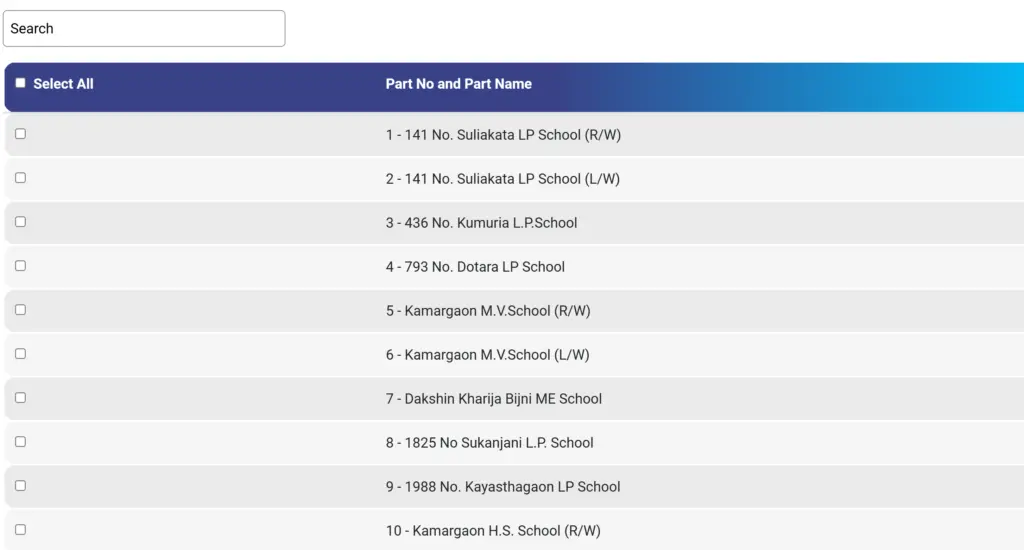
STEP 5: A comprehensive list of Polling Stations / Part Numbers for your assembly constituency will appear on your screen.
STEP 6: Enter the Captcha verification code displayed on your screen and confirm the download.
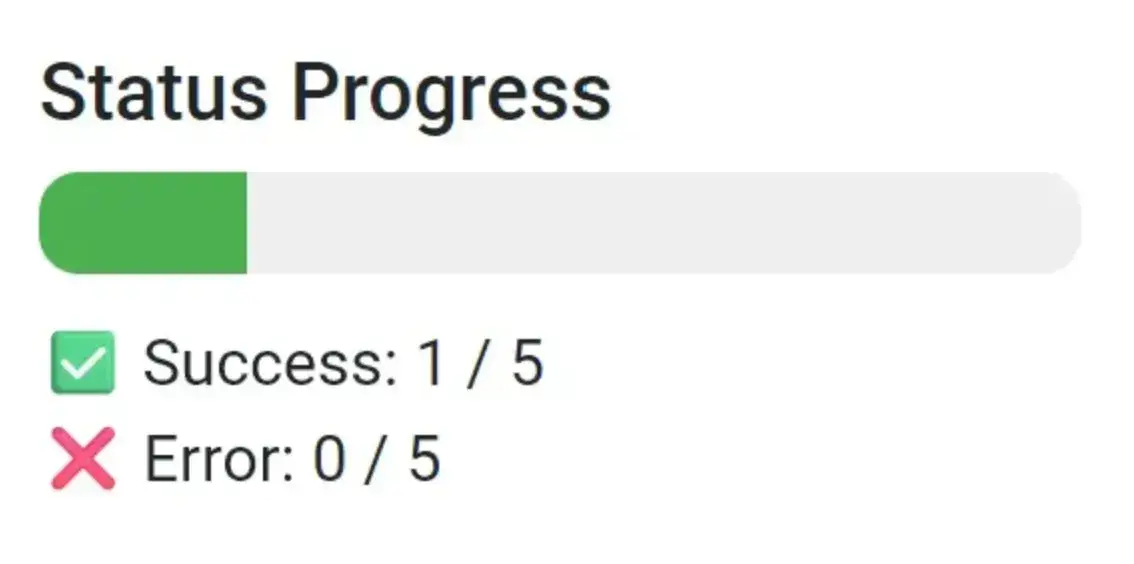
STEP 7: Wait for the download progress to complete. The selected PDF file will download directly to your mobile device or computer.
STEP 8: Open the downloaded draft voter list PDF to check your name, father's/husband's name, age, house number, and serial number in the voter list.